
An open-topic debate
This week I had an interesting debate with a very dear photographer friend of mine. David — this is his name — in a certain sense reproached me for my enthusiasm in pushing smartphone photography with such vigor.
For him, I am sending the wrong message: that photography is becoming way too simple, that everyone can do it with these devices without any real technical difficulty. Furthermore, according to him, there is still an abyss of qualitative difference that leads him not to consider this new medium.
My reaction was to give him an observation and a comparison.
One of the first real compact cameras
In 1914, Oskar Barnack created the first prototype of what would become the Leica rangefinder. Many professional photographers of the time saw that medium as a toy, because the very small frame format did not allow the same quality as a large-format camera.
Yet that machine opened the doors to photojournalism, to spontaneous stories in the streets, and to documentation in areas of war, where the photographer had to be as hidden as possible with his equipment.
Leica thus created a new standard, 35mm, which is still the term we use today when we talk about “full-frame” cameras.
Smartphone photography: a different aesthetic
So what do I mean by my observation? Smartphone photography does not replace the camera. It stands next to it. It lets us capture our everyday life with ease. With too much ease? Perhaps — but let’s also remember that disposable cameras, which practically did everything themselves, have existed since the Kodak No. 1 of 1888 (one of the next topics of discussion!).
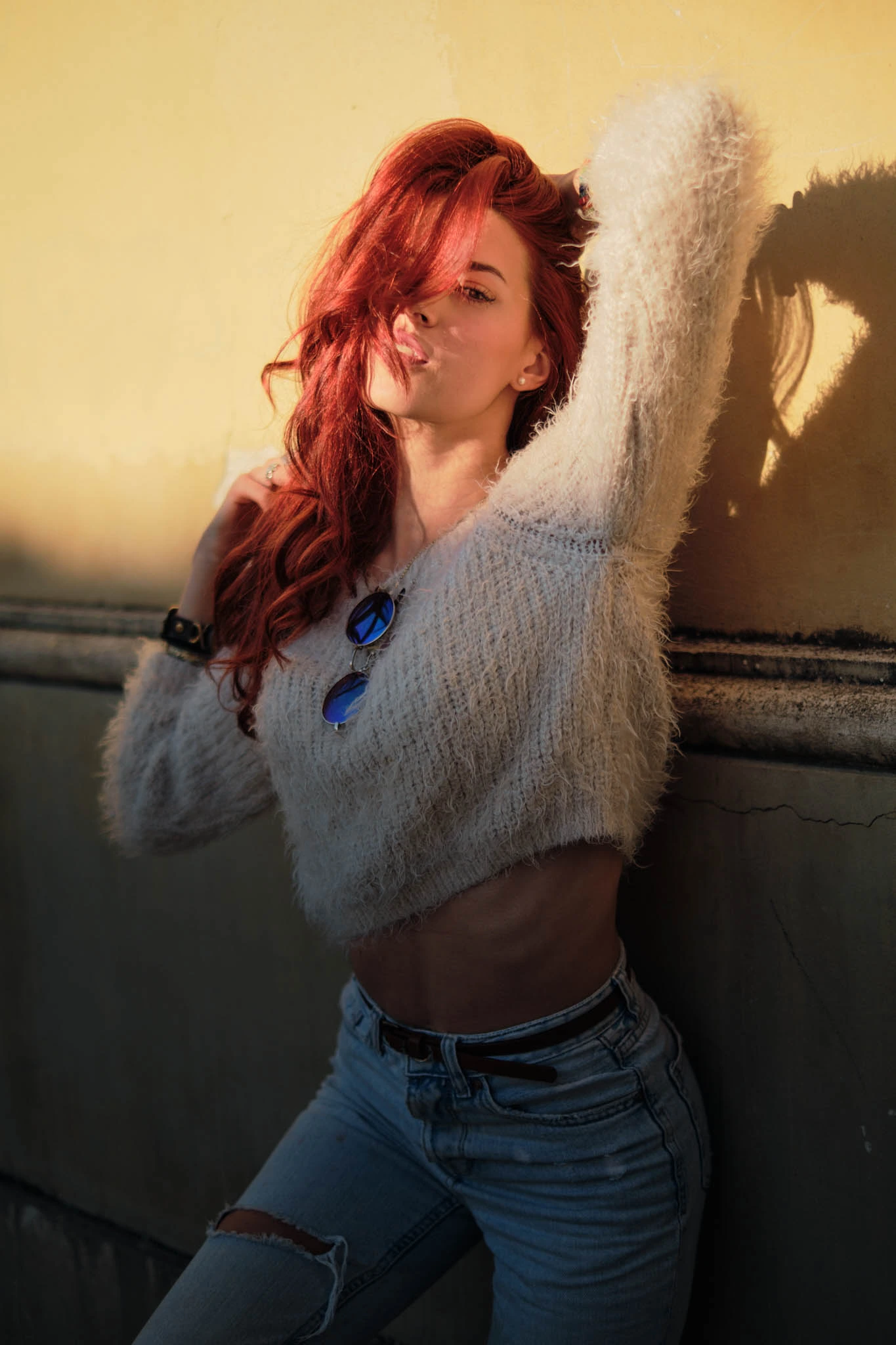
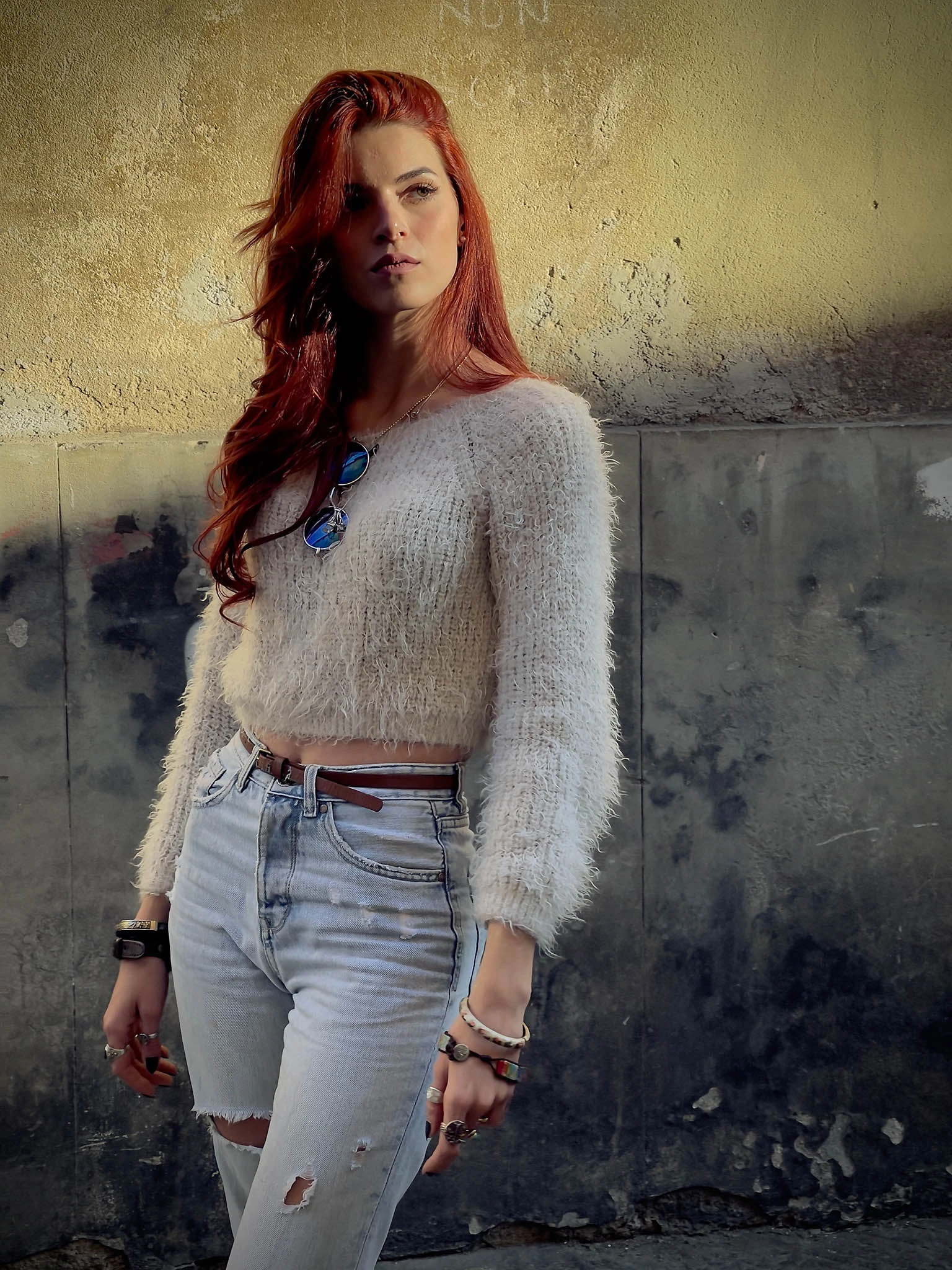
What we can certainly say is that the smartphone aesthetic is different from the camera aesthetic: the algorithms that automatically process images often return flat images in terms of contrast, very bright, with highlights well balanced and very saturated colors. Manufacturers adopt this aesthetic to make buyers like the photographs they take.
And this is where we can make a difference. Now all smartphones, from Android to Apple, can shoot in RAW format. The recent introduction of Apple ProRAW has given a jolt that, in my opinion, will bring significant benefits for everyone from now on — even for Android shooters.
The ability to work with a file and give it a different aesthetic, according to your own taste, is what can make smartphone photography even more elevated.
On the one hand, the immediacy of smartphone devices; on the other, personal interpretation of color, contrast, tone, and so on.
Start experimenting with the raw file
If you have never used the raw shooting format, I suggest you start right away.
On Android devices, you will most likely already find an option in your main camera app; otherwise, you can use the Lightroom app, which includes a camera that records in RAW format. You do not need to activate a subscription for this feature — you can use the free version of the app (you just need to register for a free Adobe account).
On the Apple side, if you have one of the latest iPhone 12 Pro models, you can use the brand-new Apple ProRAW format immediately. Otherwise, as with Android, I recommend the Lightroom app or the Halide Camera app (bear in mind that Halide is a subscription app, but it earns its price with the extra controls it gives you).
Which program to use for raw editing on a smartphone?
Although many applications let you edit raw files, I would suggest using Adobe Lightroom.
The reasons are many, and I summarise them here: it is a universal app that you can find on Android, iOS, Mac and Windows. You can even use it in your web browser. It has a clean interface that I find easy to learn.
It also offers many basic (free) and advanced (paid subscription) controls.
It is also the most-used photo development app in the world, which makes it easy to find plenty of learning material online.
If you are a beginner with Lightroom and don’t know how to use the development tools, I’m working on something to help you through the post-processing process. I’m about to release a series of Lightroom presets and actions that make it easy and fast to develop RAW files shot on a smartphone.
Equipment used in this article
For those most curious about the photo/video equipment I used to produce the photos above, here’s a list with referral links to support the business. Thanks for your support! ❤️


Leave a Reply